

Official Guide

Seedream 5.0 Prompt Guide

Seedream 5.0 natively supports text, single-image, and multi-image inputs. Through this guide, you will learn how to better utilize AI's logical reasoning and creative capabilities.

Seedream 5.0 Model Effects & Scenarios

Text to Image + Search

Text-to-Image (Web Search)

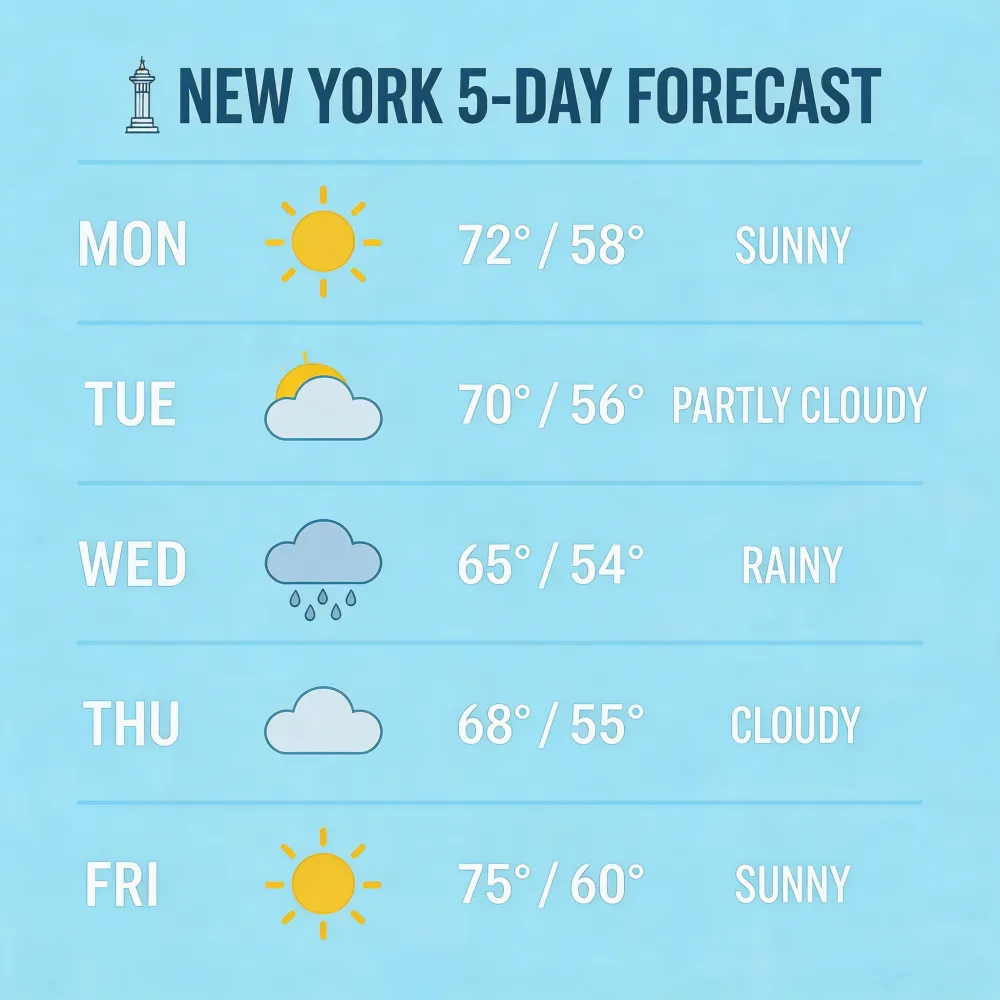
Seedream 5.0 lite model can enhance generation timeliness by integrating real-time web information via web search. For example, creating a forecast map with real-time weather information.

"Create a weather forecast for New York for the next 5 days, using a modern flat illustration style..."

Seedream 5.0 Prompt Guide - Weather Forecast Example
Multi-Reference

Multi-Reference Generation

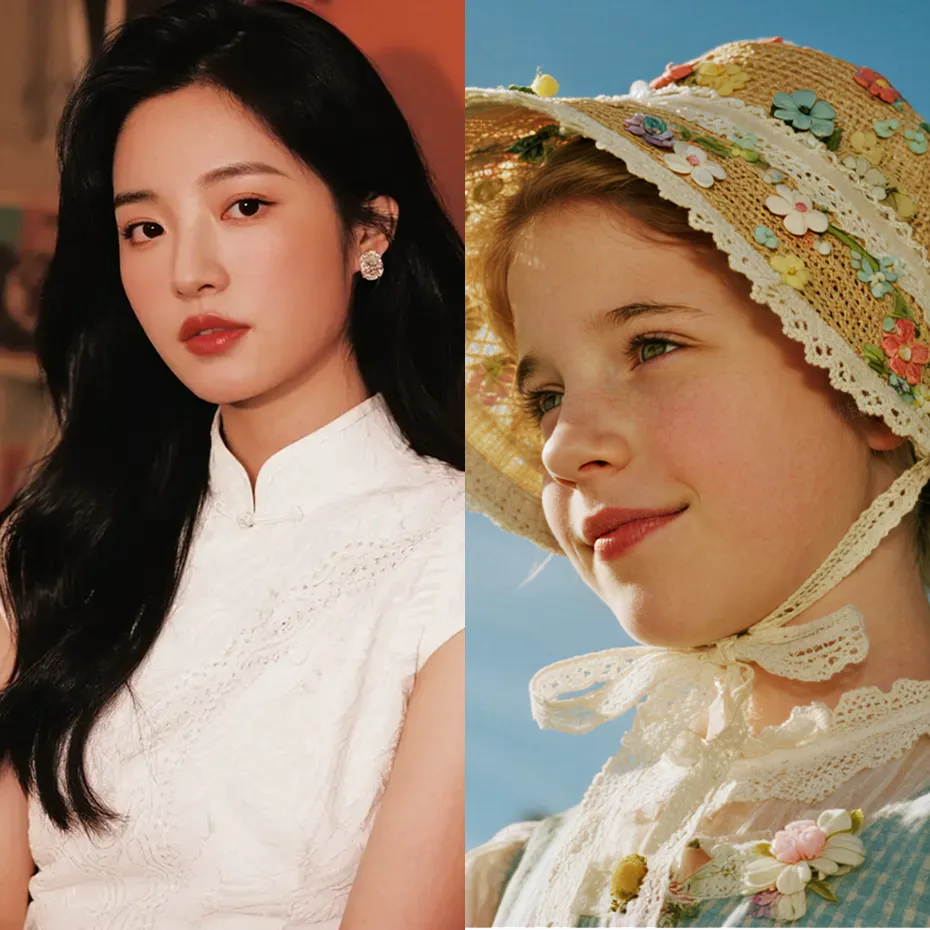
Input multiple reference images to fuse their styles, elements, and other features to generate new images.

Seedream 5.0 Prompt Guide - Input Reference
Seedream 5.0 Prompt Guide - Output Result

"Replace the costume in Figure 1 with the one in Figure 2"

Sequential Generation

Batch Generation

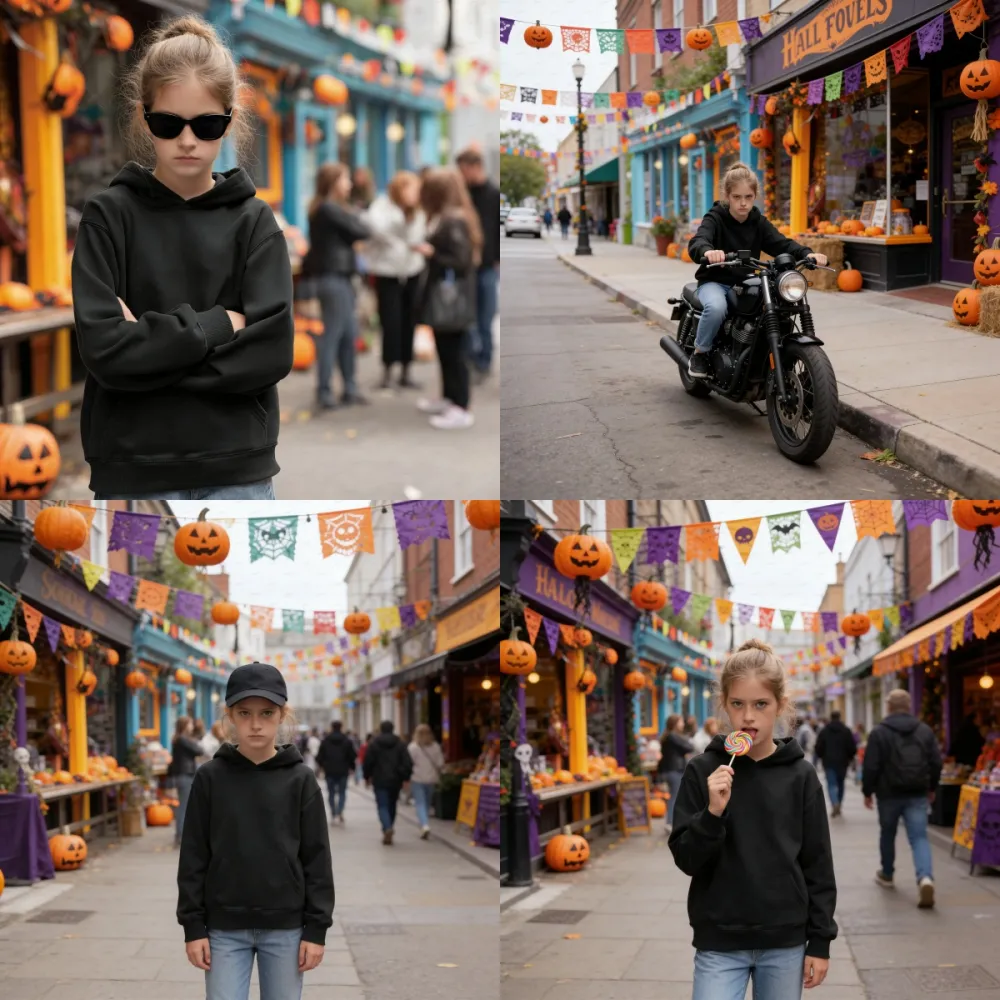
Generate a set of content-related images based on user input text and images, such as comic panels or brand visuals.

Seedream 5.0 Prompt Guide - Reference Logo
Seedream 5.0 Prompt Guide - Brand Assets

"Refer to Figure 1 to generate four pictures. The characters in the pictures are wearing sunglasses, riding a motorcycle, wearing a hat, and holding a stick."

Seedream 5.0 Prompt Suggestions

1

Clear Structure: Follow the Subject + Action + Environment natural language description.

2

Add Details: Include keywords for style, color, lighting, composition for aesthetic requirements.

3

Moderate Length: Prompts under 300 characters are recommended to avoid dispersing key information.

4

Logical Consistency: Avoid contradictory descriptions; the model restores semantics based on logic.

Seedream 5.0 Usage Limits

  • Image Size: Max 10 MB, total pixels max 36,000,000 px.
  • Reference Images: Support up to 14 reference images per request.
  • Data Retention: Result URLs are kept for only 24 hours; please save promptly.
  • Rate Limit: RPM (Images per minute) limit is around 500; excess will error.

Seedream 5.0 Storybook & Comic Creation

From One Idea to a Full Storybook

Turn a single sentence into a complete visual story. Pair AI writing tools with Seedream 5.0 to go from concept to finished panels in minutes.

1
AI writes your story, breaks it into scenes, and drafts the script
2
Each scene becomes a ready-to-use prompt for image generation
3
Seedream creates matching visuals with consistent characters and style
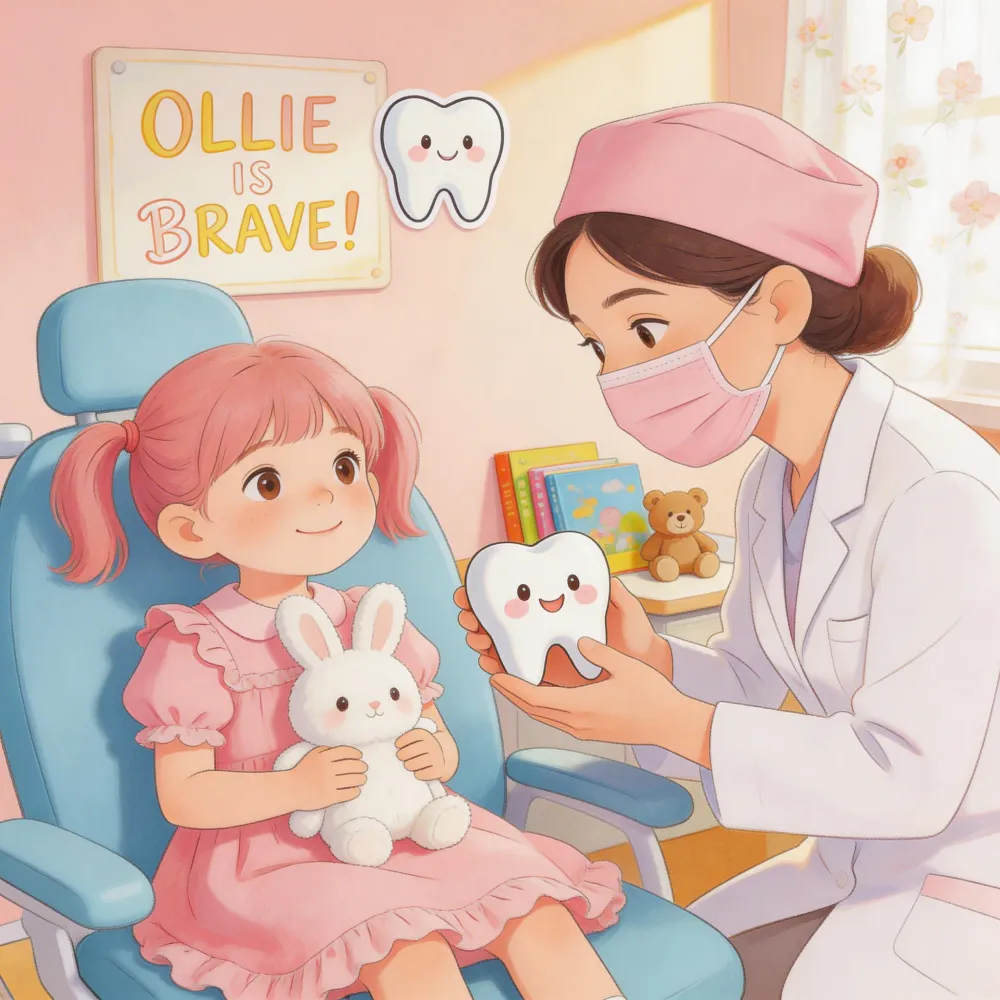
Seedream 5.0 Prompt Guide - Storybook Creation Flow

Ready to Start Creating?

Experience Seedream 5.0 now and let your creativity transcend dimensions with high-quality, extreme resolution works.