
Artificial intelligence has transformed how creators produce visual content. Instead of spending hours designing graphics or editing photos manually, modern AI tools can generate complex images from simple text descriptions.
One of the newest tools in this space is Seedream 5.0, a next-generation AI image generation model designed to combine semantic understanding, real-time knowledge retrieval, and advanced image synthesis.
This guide explains how to use Seedream 5.0 step by step, including prompt writing, image generation workflows, editing techniques, and real-world use cases.
If you want to explore the model directly, visit the
👉 Seedream 5.0 AI image generation platform.
What Makes Seedream 5.0 Different
Many AI image generators focus only on style or visual quality. Seedream 5.0 focuses on understanding intent.
The model can interpret:
object relationships
spatial layout
lighting direction
contextual information
semantic meaning
This allows the system to generate visuals that feel more logical and consistent compared with traditional diffusion models.
You can explore more features on the
👉 Seedream AI platform overview.
Step 1: Define the Goal of Your Image
Before writing prompts, decide what type of image you want to create.
Common use cases include:
marketing visuals
social media graphics
product photography
concept art
editorial illustrations
Seedream 5.0 works best when the creative goal is clear.
For example, an e-commerce product image requires a completely different prompt structure than concept art or fantasy illustrations.
Step 2: Write a Structured Prompt
The quality of AI-generated images depends heavily on the prompt.
A well-structured prompt typically includes:
subject
environment
lighting
camera perspective
style or resolution
Example prompt:
cinematic portrait of a cyberpunk hacker in neon Tokyo street, dramatic lighting, shallow depth of field, ultra detailed, 3k render
Structured prompts allow Seedream to better understand the scene and produce higher-quality visuals.
For more examples, you can read the
👉 Seedream prompt optimization guide.
Example Images Generated with Seedream 5.0
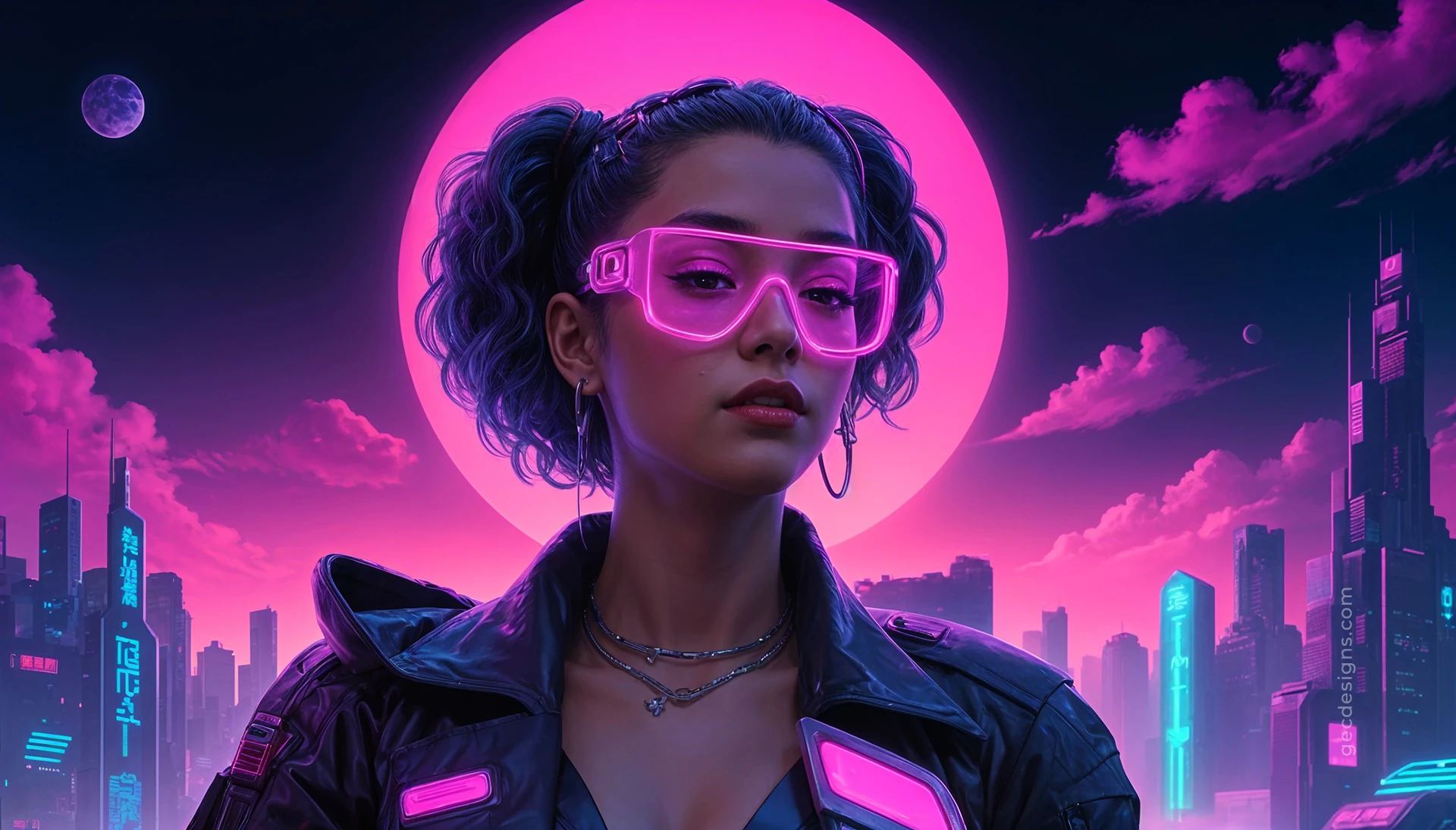



Different prompt structures create dramatically different visual results.
Notice how lighting, composition, and scene description influence the final image style.
Experimenting with different prompt structures is the best way to learn how the model interprets instructions.
Step 3: Use Reference Images
Seedream 5.0 supports image reference inputs, allowing users to guide the generation process.
This feature is useful when you want to:
maintain character consistency
reproduce brand styles
generate product variations
For example, an e-commerce brand can upload a product reference image and generate multiple lifestyle scenes automatically.
You can explore workflow ideas in the
👉 Seedream creative workflow guide.
Step 4: Edit Images with Natural Language

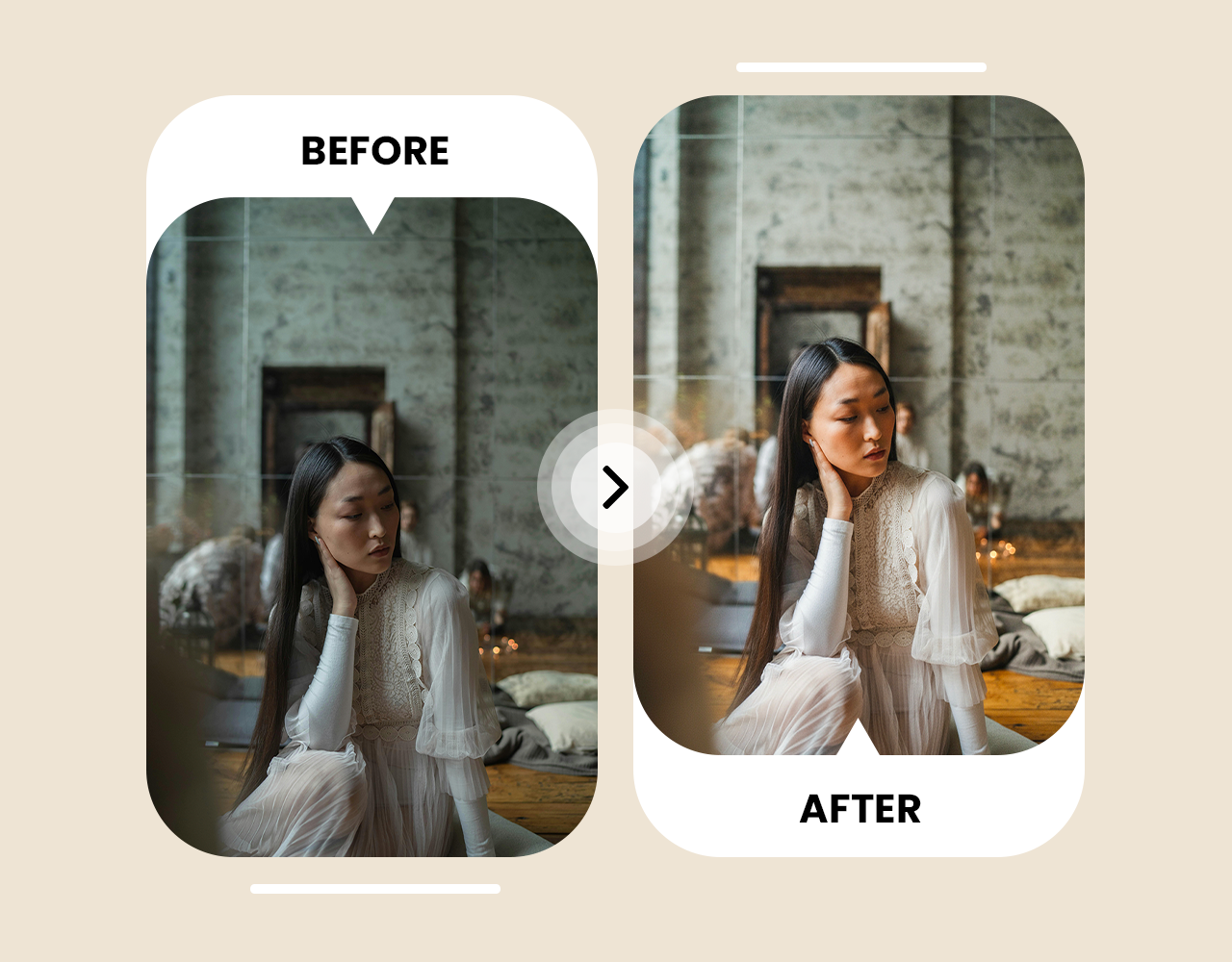
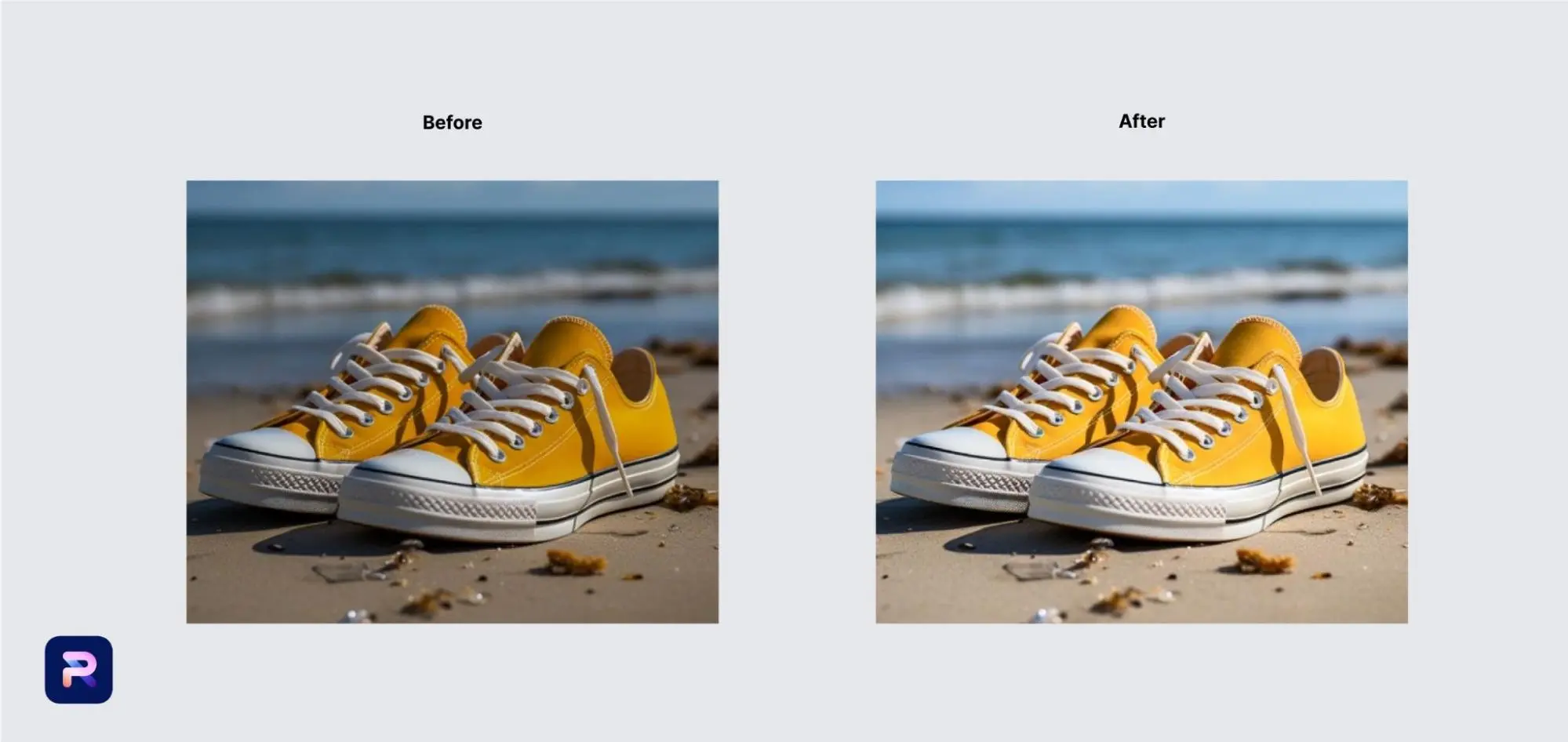
Another powerful capability of Seedream 5.0 is natural language editing.
Instead of manually editing images with complex tools, you can simply describe the change.
Examples:
change background to sunset sky
add reflections on floor
adjust lighting to studio lighting
This makes Seedream useful not only for generating images but also for refining them quickly.
Step 5: Apply Seedream in Real Projects
Seedream 5.0 can be integrated into many real-world workflows.
Marketing
advertising creatives
social media content
campaign visuals
E-commerce
product photos
lifestyle product scenes
catalog images
Design
concept art
poster design
brand mood boards
Because generation is fast, creators can produce many visual variations in minutes.
To try the platform, explore the
👉 Seedream AI creative studio.
Best Prompt Tips
To improve image quality consistently:
✔ describe lighting conditions
✔ specify camera angle
✔ mention materials and textures
✔ include resolution signals
Example:
professional product photography of smartwatch on reflective black surface, studio lighting, ultra detailed, 3k render
Small prompt changes often make a big difference.
Frequently Asked Questions
Is Seedream 5.0 beginner friendly?
Yes. Beginners can generate images quickly with simple prompts. However, structured prompts produce significantly better results.
What resolution does Seedream support?
Seedream supports high-resolution generation up to 3K, which is suitable for marketing visuals and digital design assets.
Can Seedream be used commercially?
Yes. Many businesses use Seedream to create marketing visuals, product images, and advertising materials.
How many iterations should you generate?
Most creators generate 3–5 variations before selecting the best image.
Final Thoughts
Seedream 5.0 is more than a simple image generator. It is a creative tool that combines AI reasoning, prompt understanding, and editing capabilities.
With the right prompts and workflow, creators can generate professional images in minutes instead of hours.
If you want to start experimenting with the model, explore the
👉 Seedream AI image generation platform.
The more you refine your prompts and workflows, the better your results will become.